
Loading download page...
Experience lightning-fast, distraction-free touch typing practice right from your desktop. Download TypeMaster for Windows and macOS with complete feature sets.
100% Free. No Ads. No Sign‑Up Required.
Take an inside look at the smooth, native touch typing client. Designed from the ground up for distraction-free practice.
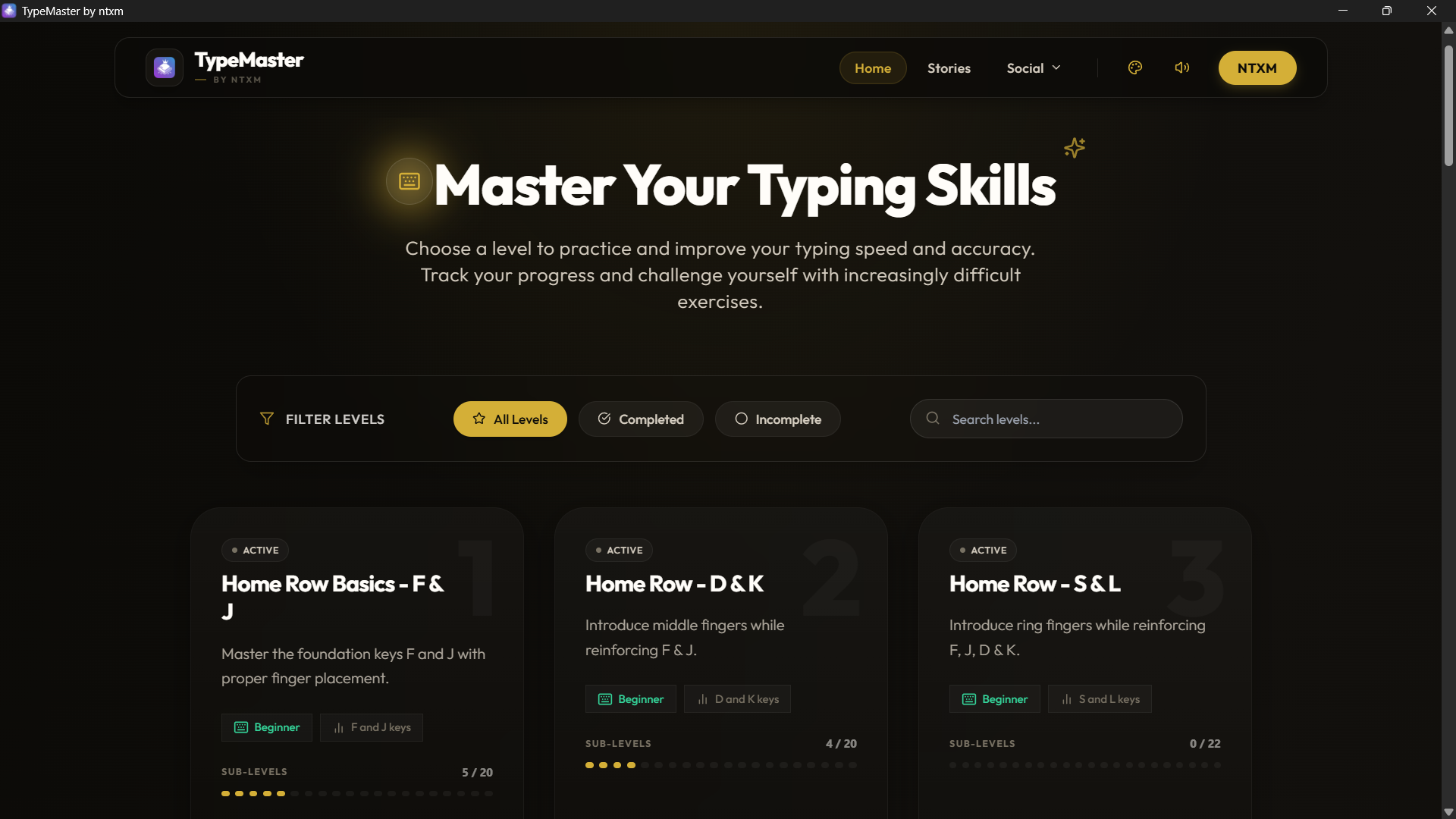
Clean, interactive, and completely localized desktop interface.
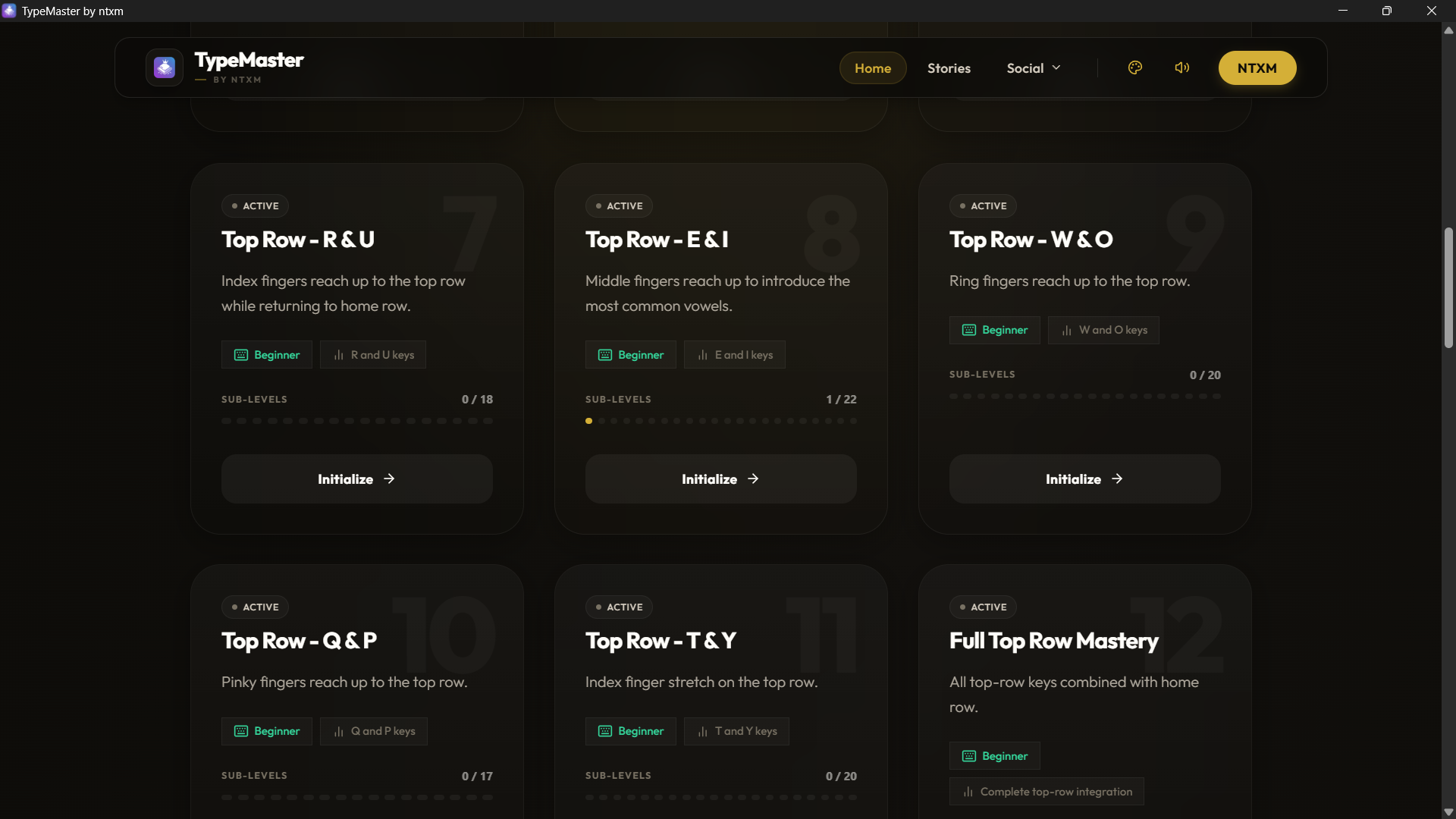
Advance through structured typing difficulty tiers offline.
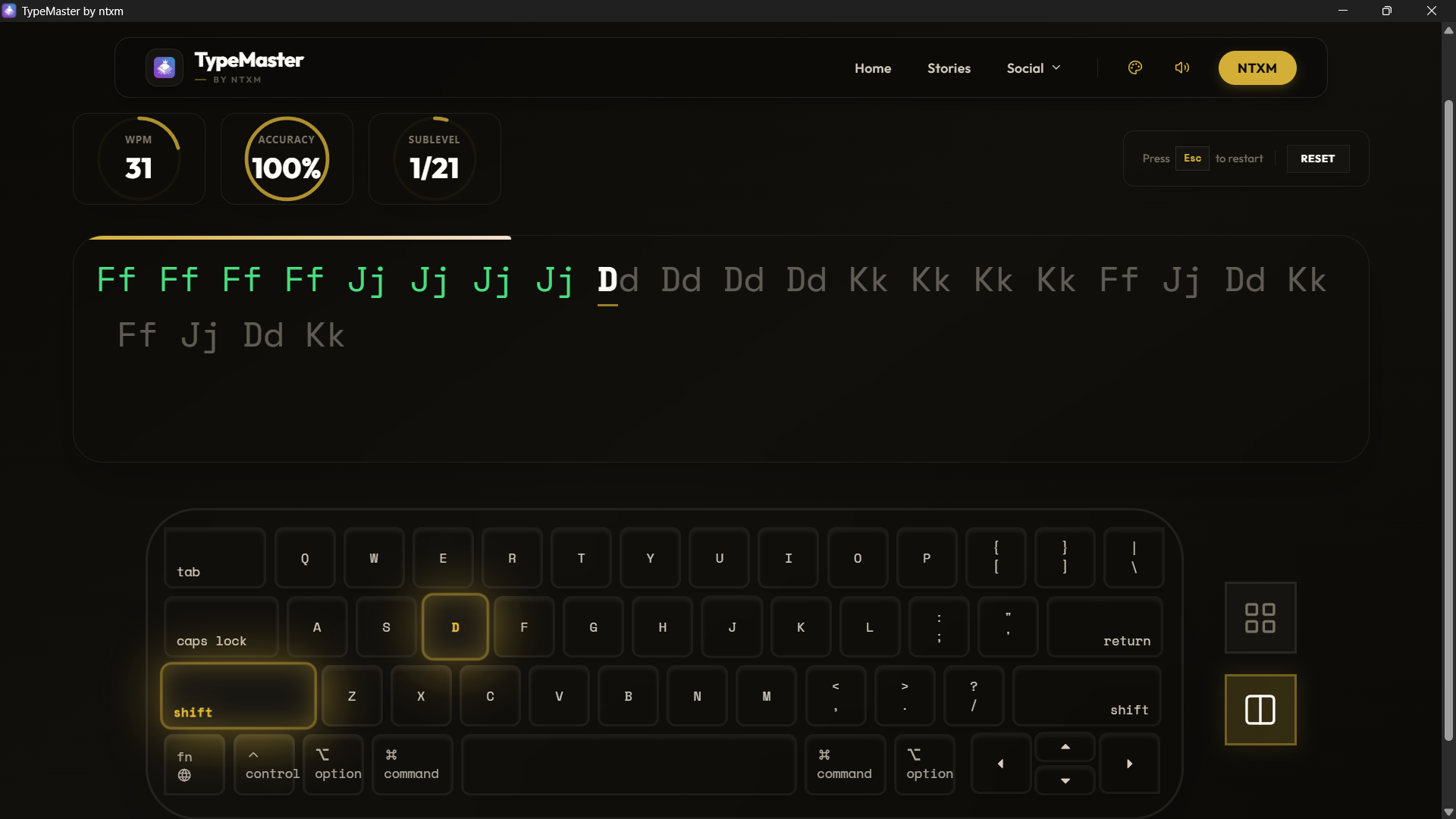
Ultra-responsive native mechanics with 0 latency.
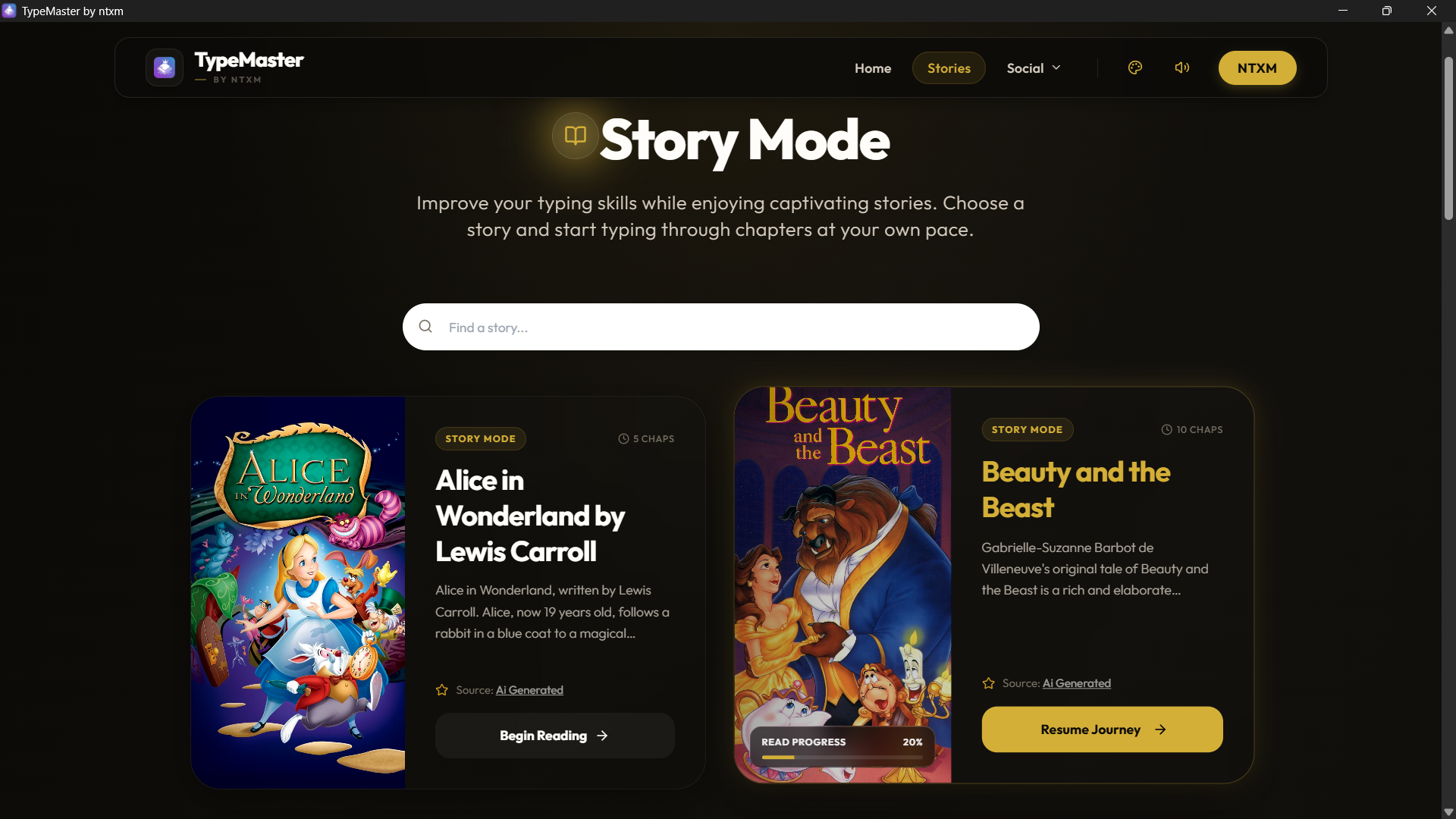
Select classical literature to make typing immersive.
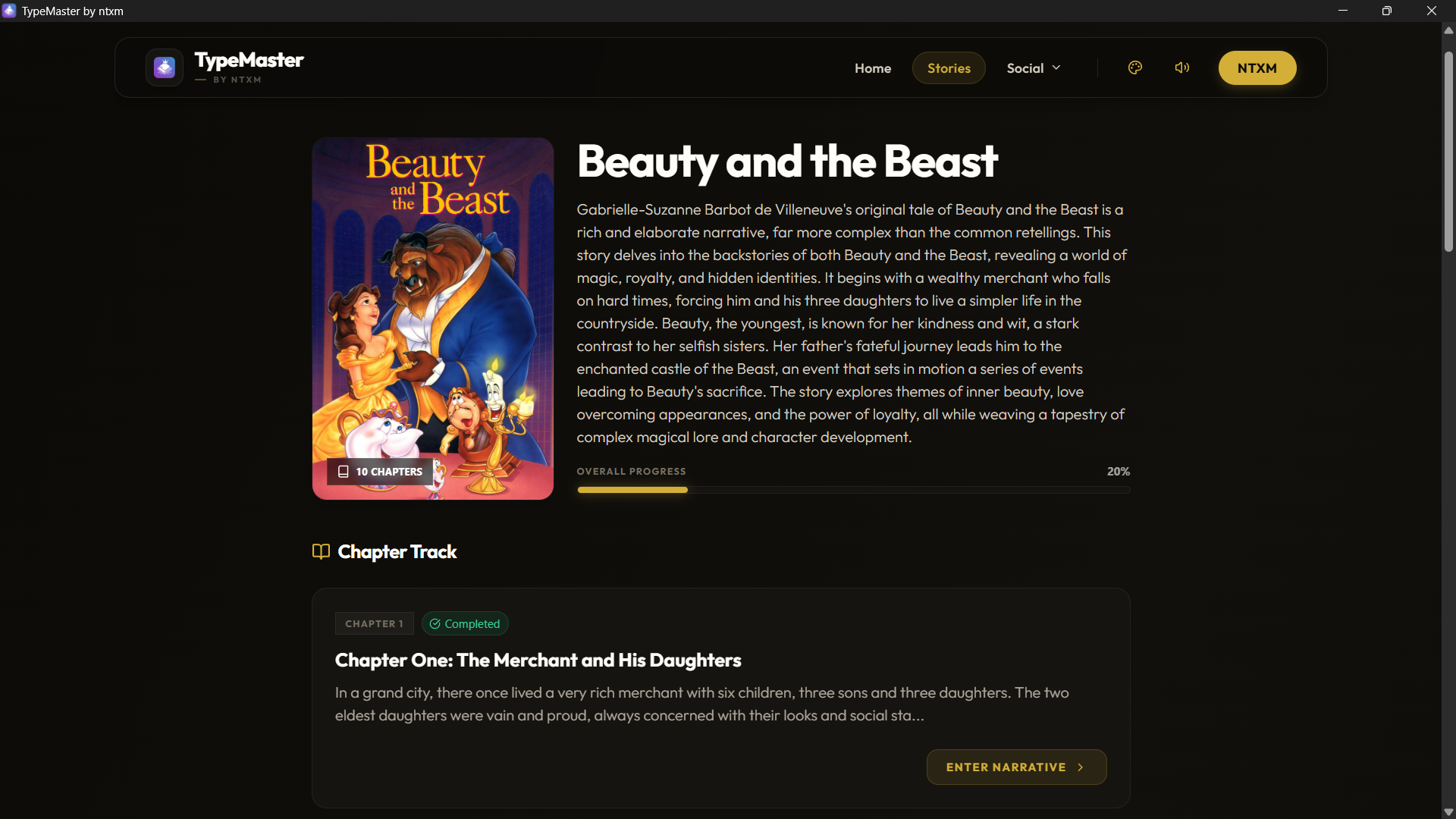
Get rich details and summaries of books before you practice.
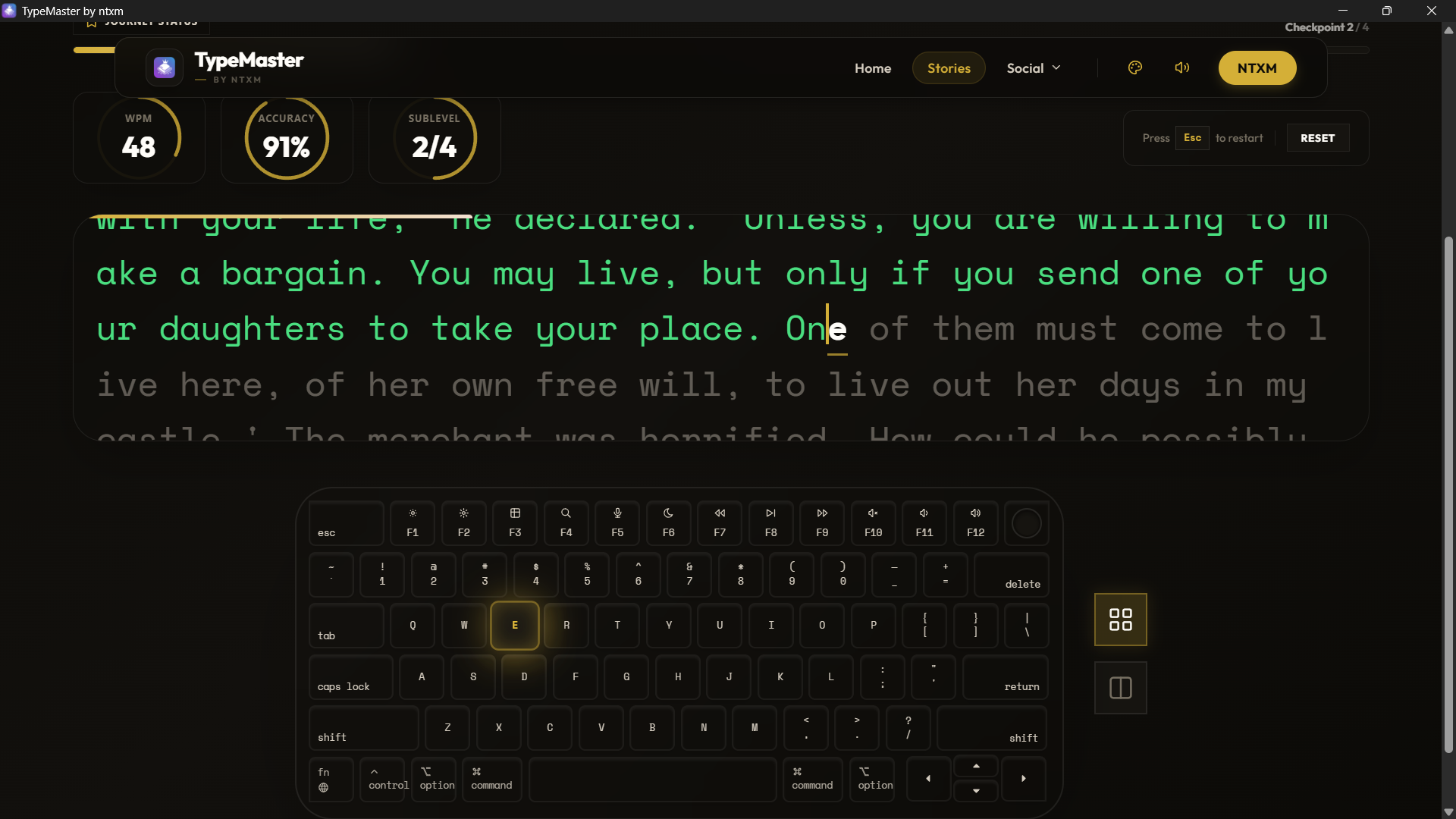
Real-time progress feedback and paragraph navigation.
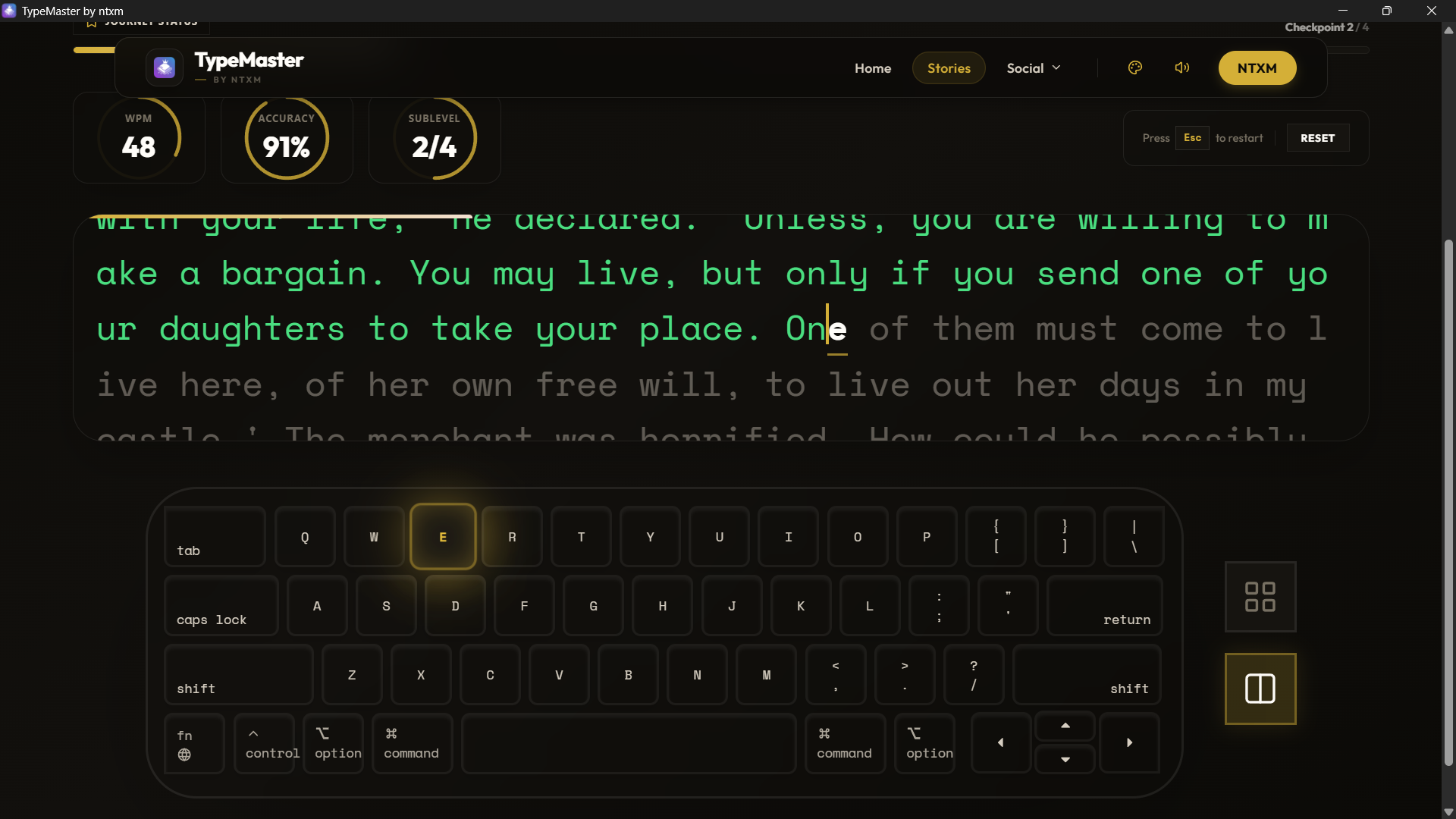
Color-coded precise word tracking to refine accuracy.
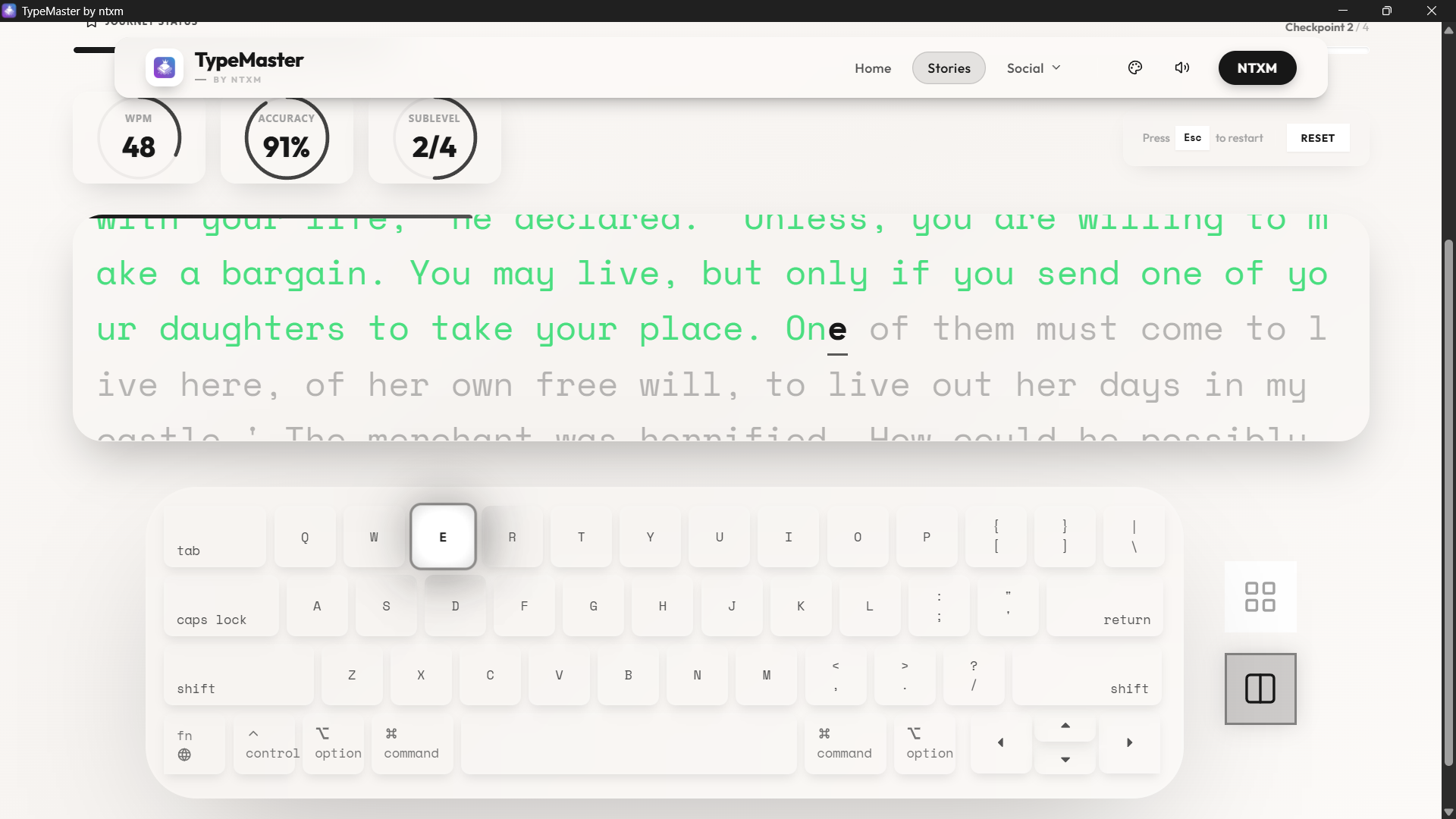
Post-session accuracy graphs and word-by-word speed breakdown.
Many users struggle with consistent online connections or prefer working without the latency of browser engines. TypeMaster Desktop bridges this gap, delivering lightning-fast input recognition and complete independence from the cloud. When you download free typing software for PC and Mac, you receive zero bloatware and 100% localized runtime.
.msi / .exe for Windows, or .dmg for Apple Silicon Macs) and download it safely.| Operating System | Windows 7+ / macOS 11.0+ (Apple Silicon) |
| Architecture | x64 (Windows) / ARM64 (Apple Silicon Mac) |
| Disk Space | ~150 MB Free Space |
| Memory (RAM) | 512 MB Minimum |
| License Type | 100% FREE |
| Feature Coverage | TypeMaster Web | TypeMaster Desktop |
|---|---|---|
| Classic Story Collection | ✅ Included | ✅ Included |
| Progressive Skill Levels | ✅ Included | ✅ Included |
| Internet Connection | ⚠️ Required | ❌ Not Needed |
| Distraction-Free UI | ✅ Standard | 🚀 High Focus Mode |
| Input Latency | ~10-30ms | < 1ms (Native) |
| Price / Subscription | $0 (Free) | $0 (Free) |
"I installed TypeMaster on my kids' Windows laptops for offline practice on car trips. It's perfect because there are no ads, they can't access random web content, and the progress bars keep them focused for hours."
Sarah Miller
Homeschool Coordinator
"Zero bloat, lightning fast, and lets me practice typing classic books without web tabs distracting me. The desktop wrapper is super lightweight and actually improved my concentration. Highly recommended."
David R.
Software Engineer (105 WPM)
Absolutely. TypeMaster is open-source and entirely free to use forever. There are no paywalls, subscription fees, limitations, or advertisements hidden inside the desktop application.
Our application suite fully supports both Windows and macOS platforms. For Windows, we support Windows 7, 8, 10, and 11 (32-bit and 64-bit). For Mac, we support Apple Silicon (M1, M2, M3, M4, etc.) machines running macOS 11.0 (Big Sur) and newer.
Yes. We distribute binaries through GitHub official release tags, meaning the code is transparent and publicly audited. The application stores progress strictly on your local device without making tracking requests.
Looking for school district rollouts or silent installation packages? Our binaries are structured to ensure maximum data safety and platform trust benchmarks. Enjoy premium typing practice offline without subscription burden.